
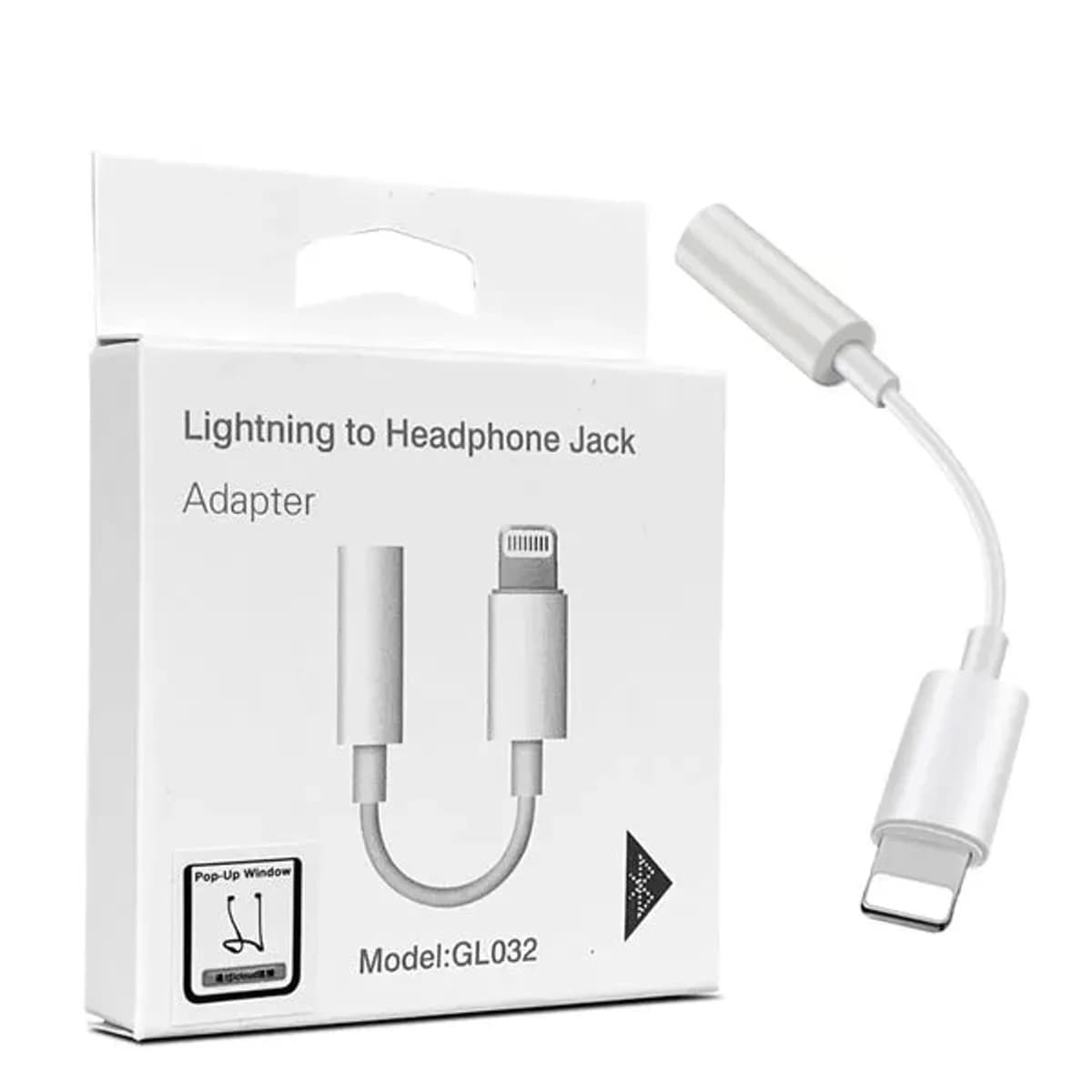
Adaptateur OTG Type-C pour iPhone
- Delivery everywhere in Algeria
- Check your order on delivery
Description
L'adaptateur OTG Type-C pour iPhone permet de connecter des périphériques USB à votre iPhone. Il est compatible avec la plupart des appareils iOS et offre une connexion stable et rapide. Idéal pour les utilisateurs qui ont besoin de transférer des fichiers ou de charger leurs appareils en déplacement.
- Brand
- apple
- Category
- Accessoires Mobiles
- Condition
- New
- SKU
- GL032
More about Adaptateur OTG Type-C pour iPhone
The Apple OTG Type‑C adapter for iPhone lets you expand the functionality of your smartphone. With this compact accessory you can attach USB flash drives, keyboards or other peripherals directly to your iPhone, making file transfers or on‑the‑go charging simple and reliable. Designed for users who value convenience and stability, it integrates smoothly with the iOS ecosystem.
Primary uses and target audience
This adapter is aimed at iPhone owners who need to connect USB devices without a computer. Whether you are a professional needing quick access to documents, a student moving lecture files, or a tech enthusiast, the adapter simplifies external peripheral connection and mobile charging.
Key features of the OTG adapter
The Apple OTG Type‑C adapter works with most recent iPhone models equipped with a Lightning port, either directly or via a suitable converter. It provides a stable, fast connection for large file transfers and simultaneous charging. Its compact design makes it easy to carry in a pocket or bag.
Ordering and delivery across Algeria
You can place an order online without creating an account. After checkout, a phone call confirms your purchase. Payment is made upon delivery, and the product is shipped to all 58 wilayas of Algeria by local carriers, ensuring safe arrival at your doorstep.
Frequently asked questions
How can I check if my iPhone is compatible with this OTG adapter?
The adapter is compatible with most recent iPhone models that support Lightning accessories. Verify compatibility in the iOS Settings under the ‘Accessories’ section.